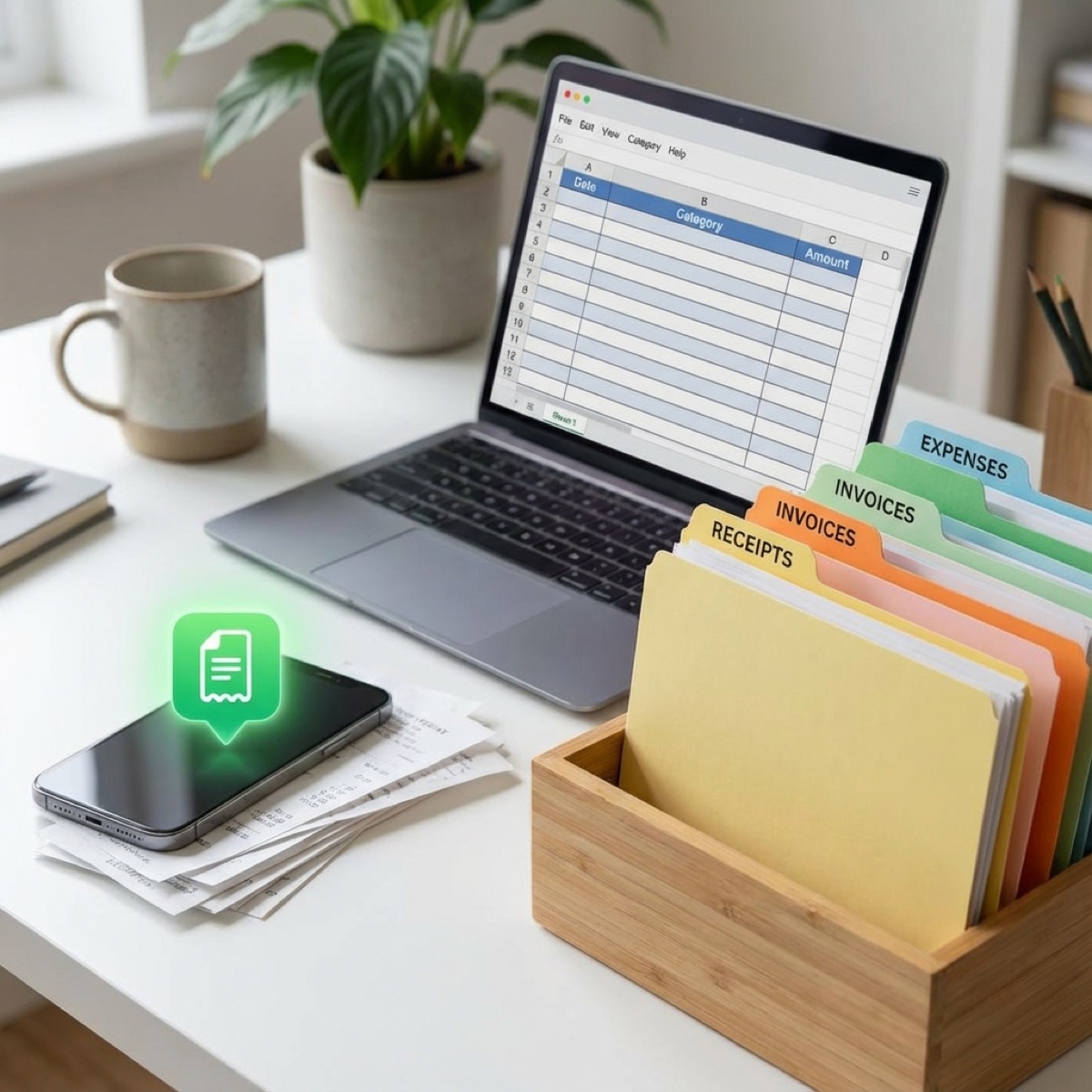
It's January, and you're trying to remember what you spent on fuel in March. You've got receipts in three different places, and you're not sure what you can actually claim. Here's a simple expense tracking system that'll make tax time easy—not a nightmare.
Why Most Vendors Struggle With Expense Tracking
Let's be honest: expense tracking is boring. You'd rather be cooking, serving customers, or literally anything else. But ignoring it doesn't make it go away—it just makes January miserable.
The common mistakes:
- Shoebox syndrome: Throwing receipts in a drawer and hoping for the best
- Memory reliance: "I'll remember that" (you won't)
- Bank statement archaeology: Trying to decode cryptic transaction descriptions months later
- All or nothing: Starting a fancy system, then abandoning it when life gets busy
The solution isn't a more complicated system. It's a simpler one that you'll actually stick to.
The 2-Minute Rule
Here's the core principle: if recording an expense takes more than 2 minutes, you won't do it consistently. Your system needs to be faster than shoving a receipt in your pocket.
For most vendors, that means your phone. It's always with you, it has a camera, and you can capture expenses in seconds.
Pro Tip
Capture expenses immediately—at the till, at the petrol pump, the moment you pay. The longer you wait, the less likely you'll do it. Make it a habit: pay, then record. Every single time.
Three Systems That Actually Work
Pick one. Don't overthink it. The best system is the one you'll use.
Option 1: The Simple Spreadsheet
A Google Sheet or Excel file with five columns: Date, Description, Category, Amount, Receipt (yes/no). That's it.
Take photos of receipts and save them in a Google Drive or Dropbox folder, named by date (e.g., "2025-03-15-Bookers.jpg"). At the end of each week, spend 10 minutes entering everything into your spreadsheet.
Best for: Vendors who like control and don't mind a weekly admin session.
Option 2: A Dedicated App
Apps like FreeAgent, Xero, QuickBooks, or Wave can photograph receipts, extract the details automatically, and categorise expenses for you. Most integrate with your bank account to import transactions.
The workflow: snap a receipt photo in the app, confirm the amount and category, done. Takes 30 seconds.
Best for: Vendors who want automation and don't mind paying £10-30/month for software.
Option 3: The Envelope Method (Digital Version)
Create a note in your phone (Apple Notes, Google Keep, whatever) for each expense category. Every time you spend, add a line: date, amount, what it was. Take a photo of the receipt and attach it to the note.
At month end, total up each category and transfer to a simple annual tracker.
Best for: Vendors who hate apps and spreadsheets but can manage notes.
The Categories You Need
Don't overcomplicate categories. For most mobile vendors, these seven cover everything:
| Category | What Goes In |
|---|---|
| Stock/Ingredients | Food, drinks, packaging, anything you sell |
| Vehicle | Fuel, repairs, MOT, parking, tolls |
| Equipment | Cooking gear, gazebos, tables, repairs |
| Insurance | Public liability, vehicle, product |
| Marketing | Website, business cards, social ads, signage |
| Professional | Accountant, courses, certifications, licences |
| Overheads | Phone, software, storage, bank fees |
If an expense doesn't fit these categories, it's probably not business-related (or create an "Other" category and review it at year end).
Handling Cash Expenses
Cash is the enemy of good expense tracking. It leaves no automatic trail. If you pay for business expenses in cash:
- Always get a receipt—even for small amounts
- Record it immediately—before you forget what that £15 was for
- Consider a dedicated cash float—separate from personal cash, easier to track
- Withdraw business cash from your business account—creates a paper trail
Better yet: use a card for everything. It creates automatic records and makes reconciliation simple.
The Weekly Ritual (15 Minutes)
Once a week—same day, same time—spend 15 minutes on expenses. This is non-negotiable. Put it in your calendar.
- Gather receipts from your wallet, van, and pockets
- Photograph anything you haven't captured yet
- Enter expenses into your system of choice
- Check your bank statement for any transactions you missed
- File or bin physical receipts once recorded
15 minutes a week = 13 hours a year. Compare that to spending 20+ panicked hours in January trying to reconstruct everything. The maths is clear.
Track expenses as you go
VendorPad lets you snap receipt photos and log expenses in seconds, right from your phone. Come tax time, you'll have a year's worth of organised records ready to export. No spreadsheets, no shoeboxes, no stress.
Start your free trialWhat About Mileage?
If you use your personal vehicle for business, you can either claim actual costs (fuel, insurance, repairs—proportional to business use) or the simplified mileage rate:
- First 10,000 miles: 45p per mile
- Above 10,000 miles: 25p per mile
If you use mileage, you need a log. Record the date, destination, purpose, and miles for every business journey. Apps like MileIQ can do this automatically using your phone's GPS, or you can use a simple notebook in your van.
Most vendors find mileage easier than tracking actual vehicle costs—fewer receipts, simpler calculation.
Separating Business and Personal
The single best thing you can do for expense tracking: get a separate business bank account and card. It doesn't have to be a fancy business account—a basic current account in your business name works.
Benefits:
- Every transaction is business-related by default
- No untangling personal vs business expenses
- Bank statement becomes your expense record
- Makes you look professional to clients
- Required if you ever become a limited company
If you're still mixing business and personal spending on one card, fix that today. It'll transform your bookkeeping.
Year-End Checklist
Even with good weekly habits, do a thorough review in March (before the 5 April tax year end) and January (before your 31 January deadline):
- Reconcile bank statements: Check every transaction is recorded and categorised
- Find missing receipts: Contact suppliers for duplicates if needed
- Total each category: These numbers feed straight into your tax return
- Identify any missed expenses: Annual subscriptions, insurance renewals, depreciation
- Back everything up: Export your records and store copies in the cloud
Common Mistakes to Avoid
A few things that trip vendors up:
- Claiming personal expenses: That family dinner isn't a business meal. HMRC isn't stupid
- Forgetting bank fees: Monthly charges, transaction fees, overdraft interest—all claimable
- Missing home office costs: If you do admin from home, claim £6/week (no receipts needed)
- Ignoring small expenses: That £3 parking charge adds up over 100 events
- Not claiming VAT: If you're VAT registered, track the VAT element separately
Final Thoughts
Expense tracking doesn't require accounting skills or expensive software. It requires a simple system and the discipline to use it consistently.
Pick a method today. Set a weekly calendar reminder. Start capturing expenses immediately. In January, you'll thank yourself when your tax return takes an afternoon instead of a panic-filled week.
The vendors who dread tax time are the ones who leave expense tracking until the last minute. Don't be that vendor. Fifteen minutes a week is all it takes.