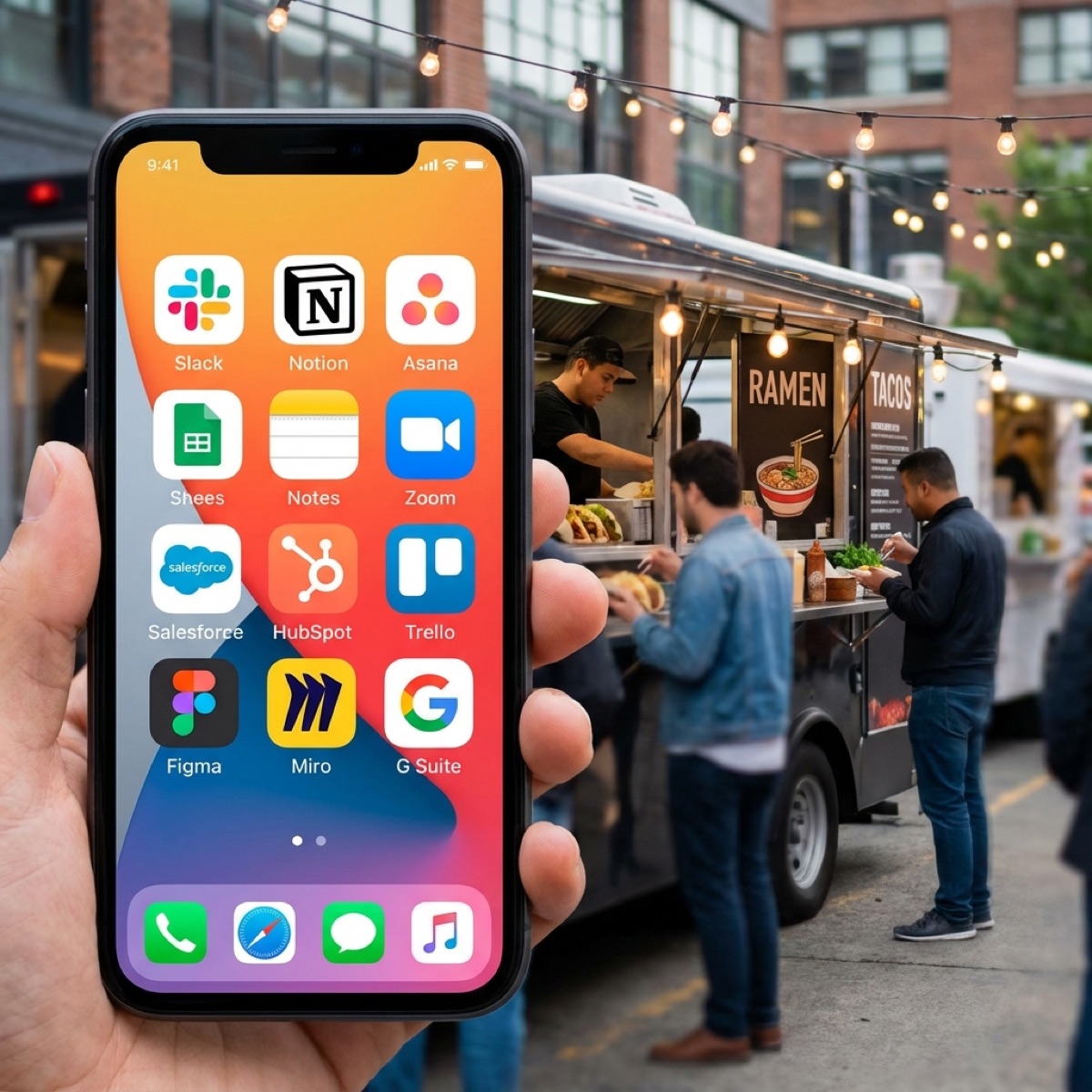
Your phone is your office. But are you using the right apps? Here are the apps that'll save you time, help you stay organised, and make running your mobile business easier.
Payment and Invoicing
Getting paid quickly and easily is fundamental. These apps handle payments and invoicing from your phone.
SumUp
The go-to card reader for many mobile vendors. Low transaction fees, no monthly costs, and reliable hardware. Take card payments anywhere with mobile data. The app also handles invoicing and basic sales tracking.
Square
Similar to SumUp with slightly different pricing. The app includes more robust point-of-sale features, inventory tracking, and analytics. Worth comparing to SumUp for your specific needs.
QuickBooks or Xero
For more comprehensive accounting, these apps let you create invoices, track expenses, and manage your finances on the go. They sync with your bank accounts and simplify tax time significantly.
Calendar and Scheduling
Avoiding double bookings and keeping track of events requires solid calendar management.
Google Calendar
Free, syncs across all devices, and shareable with staff or family. Colour-code different types of events—confirmed bookings, tentative holds, personal commitments. Set reminders for deposit due dates or pre-event prep.
Calendly
Let clients book consultation calls or tastings without the back-and-forth of finding a time. You set your availability; they book a slot. Integrates with Google Calendar to prevent conflicts.
Pro Tip
Block out travel time before and after events in your calendar, not just the event itself. This prevents accidentally booking back-to-back events that are geographically impossible.
Navigation and Weather
Getting to venues on time and planning for conditions are everyday necessities.
Google Maps or Waze
Real-time traffic updates are essential when you're driving to events. Save venue addresses in advance. Check routes the day before to identify potential issues. Waze is particularly good for traffic alerts and finding fuel stations.
Met Office
The most accurate weather forecasting for the UK. Check conditions for upcoming events, especially outdoor ones. Hourly forecasts help you plan for specific windows. Radar maps show incoming rain.
what3words
For rural venues, fields, and festival sites without proper addresses, what3words is invaluable. Many event organisers now provide three-word locations for precise positioning. The app guides you to exact spots.
Communication
Staying in touch with clients, venues, and staff efficiently.
WhatsApp Business
Separate your business messaging from personal WhatsApp. Set up quick replies for common questions, business hours messages, and away messages. Many clients prefer WhatsApp to email for quick questions.
Slack or Microsoft Teams
If you work with regular staff or collaborators, a team messaging app keeps communication organised. Create channels for different events or topics. Better than scattered text message threads.
Document Management
Contracts, certificates, and important documents need to be accessible anywhere.
Google Drive or Dropbox
Store all your important documents in the cloud. Insurance certificates, contracts, risk assessments—accessible from any device. When a venue asks for your public liability certificate at 9pm, you can send it immediately.
Adobe Scan
Turn your phone into a document scanner. Photograph signed contracts, receipts, or certificates and convert them to clean PDFs. Better than blurry photos and easier to organise.
Social Media and Marketing
Maintaining your online presence while running events.
Later or Buffer
Schedule social media posts in advance. Batch your content creation during quiet periods and schedule it to post automatically. Maintain a consistent presence even when you're too busy with events to post in real time.
Canva
Create professional-looking graphics for social media, menus, and marketing materials. Templates make it easy even without design skills. The mobile app lets you create content anywhere.
Lightroom Mobile
Edit photos from events quickly and professionally. Create consistent presets so all your photos have a cohesive look. Better than basic phone editing for images you'll use in marketing.
One app for your vendor business
VendorPad brings together booking management, client communication, and business tools in one place designed specifically for mobile vendors.
Start your free trialExpense Tracking
Capturing business expenses as they happen makes accounting much easier.
Expensify or Receipt Bank
Photograph receipts and the app extracts the details automatically. Categorise expenses, attach to specific events, and export for your accountant. No more shoe boxes of crumpled receipts at tax time.
FreeAgent
Popular with UK freelancers and small businesses. Handles expenses, invoicing, and tax calculations. The mobile app lets you log expenses immediately and check your financial position anytime.
Notes and Lists
Capturing ideas, making lists, and staying organised.
Notion or Trello
More powerful than basic notes apps. Create databases, checklists, and project boards. Track enquiries through your sales pipeline, maintain equipment checklists, or plan menu development.
Apple Notes or Google Keep
For quick capture, the built-in notes apps work well. Jot down ideas, shopping lists, or client requests. Sync across devices so nothing gets lost.
Utility Apps
Useful tools for specific situations.
Unit Converter
Convert between measurements when scaling recipes or working with international suppliers. Weight, volume, temperature—quick conversions without mental arithmetic.
Flashlight and Level
Built into most phones. Useful when setting up in dark venues or ensuring your setup is level. Simple but surprisingly often needed.
Calculator
For quick pricing calculations on the spot. Work out per-head costs, portion yields, or event profitability. Nothing fancy needed—just reliable arithmetic.
Final Thoughts
You don't need every app on this list. Start with what addresses your biggest pain points. If payments are a struggle, sort that first. If you're drowning in paperwork, focus on document management.
The best apps are the ones you actually use consistently. A simple system you maintain beats a sophisticated one you abandon. Choose tools that fit your workflow and make them habits.
Your phone is already powerful—with the right apps, it becomes an even more effective business tool. Invest time in setting them up properly, and they'll save you hours over the course of a busy season.