You know you should be posting on social media. You know consistency matters. But when you're prepping food at 6am and packing down at midnight, creating content feels impossible. The solution isn't posting more—it's planning smarter. Here's how to batch a full month of content in a single afternoon.
Why Batching Works
Posting on the fly leads to inconsistency, low-quality content, and guilt when you inevitably miss days. Batching fixes all three problems:
- Consistency: You never wonder "what should I post today?" because it's already decided
- Quality: You have time to think about each post rather than rushing something out
- Sanity: You do one focused session instead of context-switching every day
Most successful vendor accounts don't post daily. Three to four times a week is plenty—if those posts are intentional.
The Four Content Pillars
Every post you create should fit into one of four categories. This stops you from posting the same type of content over and over (we see you, endless food photos).
1. Behind the Scenes
People love seeing how the sausage gets made—literally. This is your easiest content because it's just your normal working day.
- Prepping for a big event
- Loading up the van
- Testing a new recipe
- Setting up your pitch
- Early morning starts (people respect the hustle)
2. Social Proof
Let your customers do the selling for you.
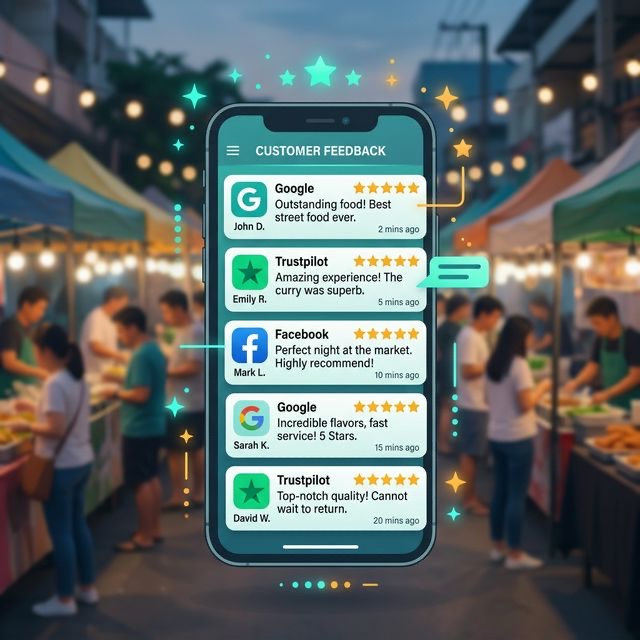
- Screenshots of reviews (with permission)
- Photos of happy customers
- Reposting stories where you've been tagged
- Testimonial quotes on a branded background
- Before-and-after event setups
3. Education and Value
Position yourself as the expert. This content builds trust with potential clients.
- Tips for planning event catering
- "How to choose the right vendor" posts
- Seasonal menu advice
- Common mistakes brides/event planners make
- Quick recipe videos
4. Booking and Availability
The stuff that actually makes money. Don't be shy about this—but keep it to about 25% of your content.
- Available dates
- New menu launches
- Special offers or early-bird pricing
- Last-minute availability
- "Book now for summer" reminders
💡 The 4-1-1 Rule
For every six posts: four should be behind-the-scenes or educational, one should be social proof, and one should be a direct booking/sales post. This ratio keeps your feed interesting without being pushy.
Your One-Afternoon Planning Session
Block out 2–3 hours. Make a cuppa. Put your phone on Do Not Disturb. Here's your step-by-step process:
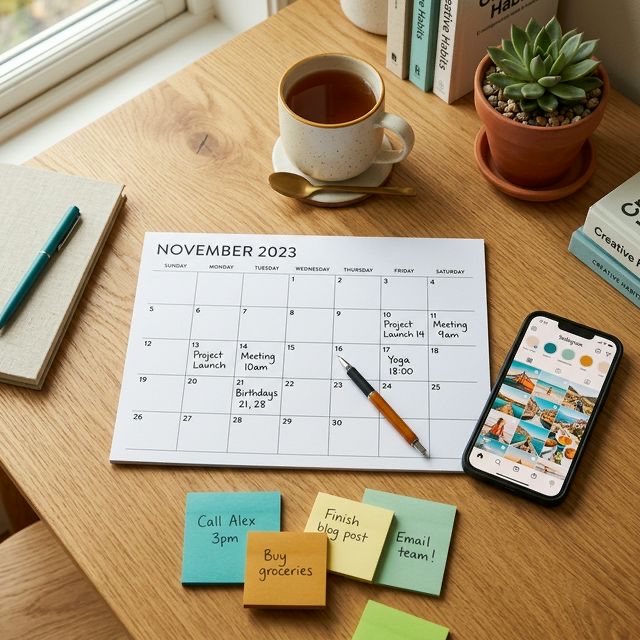
Step 1: Pull Up Your Calendar (15 minutes)
Look at the month ahead. Note:
- Events you're booked for (content opportunities)
- Holidays or awareness days relevant to your niche
- Seasonal moments (first BBQ of spring, bank holidays)
- Any promotions or launches you're planning
Step 2: Fill the Grid (30 minutes)
Using a simple spreadsheet or even a notebook, assign a content pillar to each posting day. For example, if you're posting Monday, Wednesday, Friday, and Saturday:
- Monday: Behind the scenes (prep day content)
- Wednesday: Educational tip or value post
- Friday: Social proof or customer story
- Saturday: Event day content or availability post
Step 3: Write the Captions (60 minutes)
This is where most people get stuck. A few rules to speed things up:
- Lead with a hook—the first line must make people stop scrolling
- Keep paragraphs short (2–3 sentences max)
- End with a question or call to action
- Write how you speak—authenticity beats polish every time
- Don't overthink hashtags—5 to 10 relevant ones is plenty
Step 4: Gather Your Visuals (30 minutes)
Scroll through your camera roll and match photos or videos to each post. For posts where you don't have visuals yet, make a shot list for the week ahead. Most phones take perfectly good content—you don't need a professional camera.
Step 5: Schedule Everything (30 minutes)
Use a free scheduling tool to queue everything up:
- Meta Business Suite: Free, handles both Facebook and Instagram
- Later: Great visual planner, free tier available
- Buffer: Simple and reliable, covers most platforms
Schedule posts for when your audience is most active. For most vendor accounts, that's weekday evenings (7–9pm) and weekend mornings (9–11am).
Content Ideas You Can Steal
Stuck for inspiration? Here are 20 post ideas that work for almost any vendor:
- Your most popular dish/service and why people love it
- A time-lapse of your setup process
- The story of how you started your business
- Your favourite event from last year
- A customer review with your response
- "This time last year" throwback
- Your workspace or van tour
- A recipe or technique tip
- Available dates for the coming month
- "What I wish I'd known when I started"
- A day in your life (carousel or reel)
- Your team (even if it's just you and your dog)
- Packing for an event
- Your favourite supplier or local business
- Before and after event setup
- A poll asking followers to choose between two menu items
- Seasonal menu reveal
- Behind the scenes of a wedding/event
- Something that went wrong and how you handled it
- Thank you post to a client (with their permission)
Common Mistakes to Avoid
- Only posting food photos: Beautiful, but repetitive. Mix it up with stories, tips, and personality
- Ignoring stories and reels: The algorithm favours video and ephemeral content. Even a 10-second clip of sizzling food outperforms a static photo
- Being too salesy: If every post is "book now!", people will unfollow. Build relationships first
- Disappearing for weeks: Inconsistency kills reach. Even two posts a week is better than ten posts followed by silence
- Not engaging back: Reply to every comment and DM. Social media is social—it's a two-way conversation
💡 Pro Tip
Keep a "content bank" note on your phone. Every time something interesting happens—a great event, a funny moment, a kind review—jot it down. When batching day arrives, you'll have a goldmine of ideas ready to go.
Making It Sustainable
The best content plan is one you can actually stick to. Start with three posts a week. If that feels comfortable after a month, try four. Don't compare yourself to vendors who seem to post constantly—many of them have teams or agencies helping.
Set a recurring calendar reminder for your monthly batching session. Treat it like any other business task—because it is one. Social media isn't a nice-to-have for mobile vendors anymore. It's where your next customers are finding you.
And remember: done is better than perfect. A slightly imperfect post that goes live will always beat the perfect post that lives in your drafts forever.